Unlock 20-40% More FPS in Under 2 Hours — Without Spending a Dime on New Hardware
Stop guessing which upgrade to buy. This proven system reveals exactly how to optimize your current PC for maximum performance.
✅Works on any PC — 5-year-old budget builds to brand-new RTX 4090s, laptops to desktops
✅ Zero tech knowledge required — every step has screenshots, plain English explanations, and exact settings to copy-paste
✅ Stop wasting money on guesswork — get a data-driven upgrade roadmap based on YOUR actual bottlenecks, not YouTube opinions
⭐⭐⭐⭐⭐ 5/5 star reviews (280+ happy customers)
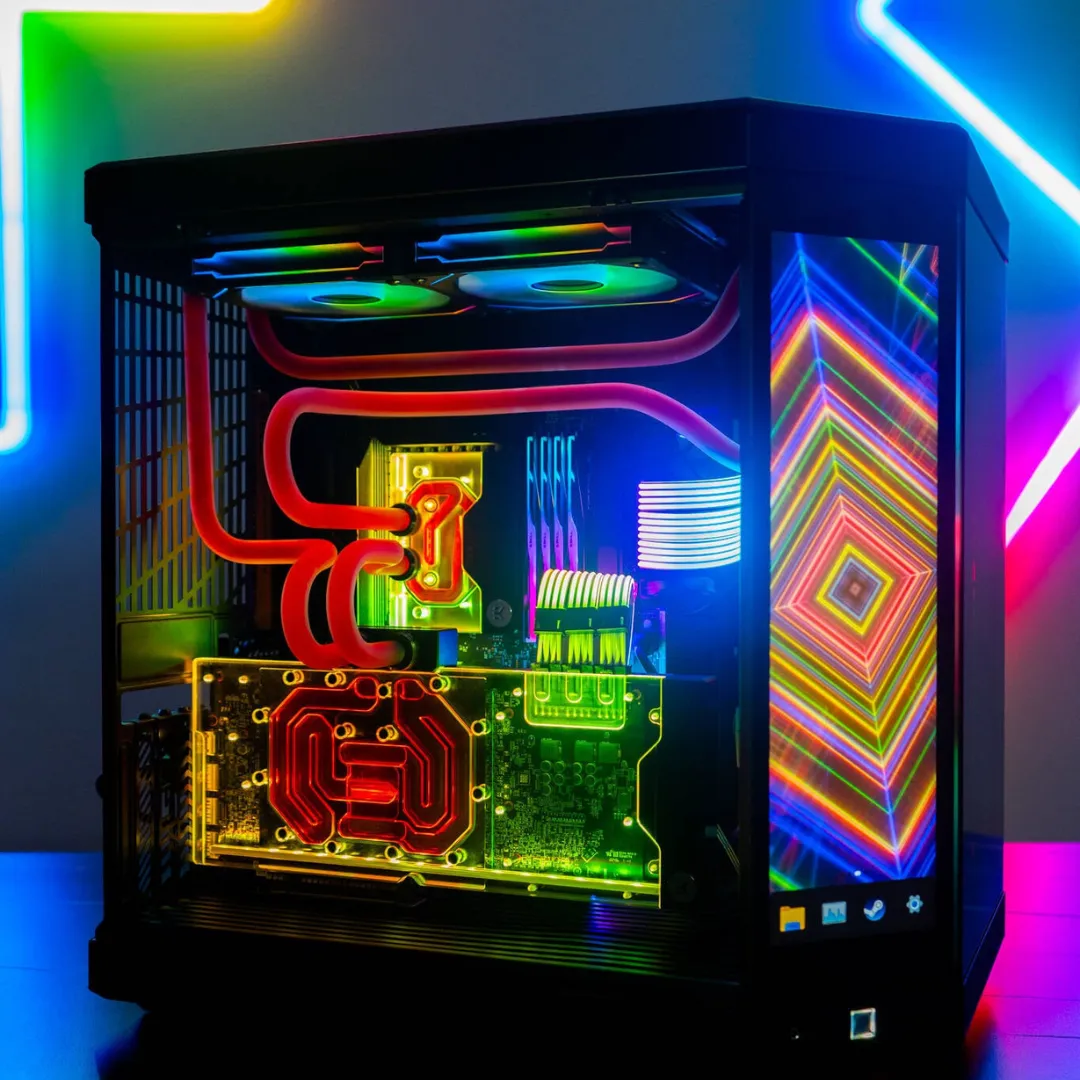
💎 First 100 buyers only: Exclusive Discord access + VIP settings pack for 15 AAA games
Introducing: The Gaming PC Performance Blueprint
A complete, step‑by‑step system to:
Run a 15-minute diagnostic to find the REAL bottleneck in your system — CPU, GPU, RAM, thermals, or settings — so you know exactly what's holding you back.
Apply proven Windows tweaks, driver updates, and game-specific settings in under 2 hours — most users see 15-30% FPS gains immediately.
Get a personalized upgrade roadmap showing which $150-$400 upgrade will give you the biggest FPS jump — based on YOUR data, not generic advice.
Follow the simple quarterly maintenance checklist that keeps your PC running at peak performance — and prevents the gradual FPS decay most gamers don't notice.
If you can install a game, you can follow this Blueprint. Every step has screenshots, plain English explanations, and “why am I doing this?” context so you actually learn what’s happening to your system.
Join 4,947+ gamers who've unlocked 20-40% more FPS without buying new hardware — from 5-year-old budget rigs to brand-new RTX 4090 builds
You'll get exclusive access to our insider updates channel with GPU price alerts, component shortage warnings, and new game optimization guides—delivered straight to your notifications with zero spam or chat clutter.
WHY YOU NEED THIS
"Does This Sound Familiar?"
Your GPU benchmarks say you should be crushing 144 FPS... but you're stuck at 70 FPS with constant micro-stutters that get you killed in ranked
STOP...
Wasting entire weekends watching contradictory YouTube videos where one guy says "upgrade your CPU" and another says "it's definitely your RAM" — and you're more confused than when you started
Losing ranked matches because you're dropping to 60 FPS in fights while your friend with an OLDER GPU is locked at 144 — and you have NO idea what he's doing differently
Getting paralyzed by upgrade decisions — should you drop $600 on a GPU, $250 on more RAM, or $200 on an SSD? Pick wrong and you just wasted rent money on 5 extra FPS.
Tweaking random Windows settings and in-game graphics options based on Reddit threads — then wondering why nothing actually improved
Feeling stuck in analysis paralysis because every forum thread contradicts the last one, every YouTube video says something different, and you're afraid of bricking your PC.
When Instead You Can Have..
A clear, numbered checklist showing the exact 12 optimizations to apply first — prioritized by impact so you get the biggest FPS gains in the first 30 minutes.
Confidence that your rig is fully optimized for YOUR games and monitor refresh rate — whether that's 144Hz competitive Valorant or 60Hz immersive single-player.
A data-driven upgrade roadmap showing exactly which $150-$300 upgrade will give you the biggest FPS jump — based on YOUR actual bottleneck, not Reddit's opinion
A quarterly 15-minute maintenance routine that prevents thermal throttling, clears performance-killing junk, and keeps you running at peak FPS year-round.
Direct access to a broadcast-only Discord channel delivering GPU price drop alerts,
component shortage warnings, and optimization guides for new game
releases—curated by experts and delivered with zero spam or chat noise.
How it works in 3 easy steps:
Step 1 – Audit your current rig
Run the Performance Audit Workbook to benchmark FPS, CPU/GPU usage, temps, and RAM across YOUR games — you'll get a clear diagnosis like: 'GPU at 100%, CPU at 40% = GPU bottleneck = upgrade graphics card first.'
Step 2 – Apply targeted optimizations
Apply the proven optimization checklist: Windows debloating, driver updates, and copy-paste settings for Valorant, Fortnite, Warzone, CS2, and 10+ more games — all in under 2 hours, without having to touch any scary BIOS settings.
Step 3 – Upgrade smarter, not blindly
Use your benchmark data with the Smart Upgrade Decision Tree to answer: (1) Should I upgrade now or wait 3-6 months? (2) GPU, CPU, RAM, or SSD first? (3) Which specific model fits my budget and bottleneck? — spend $250 wisely instead of $700 randomly.
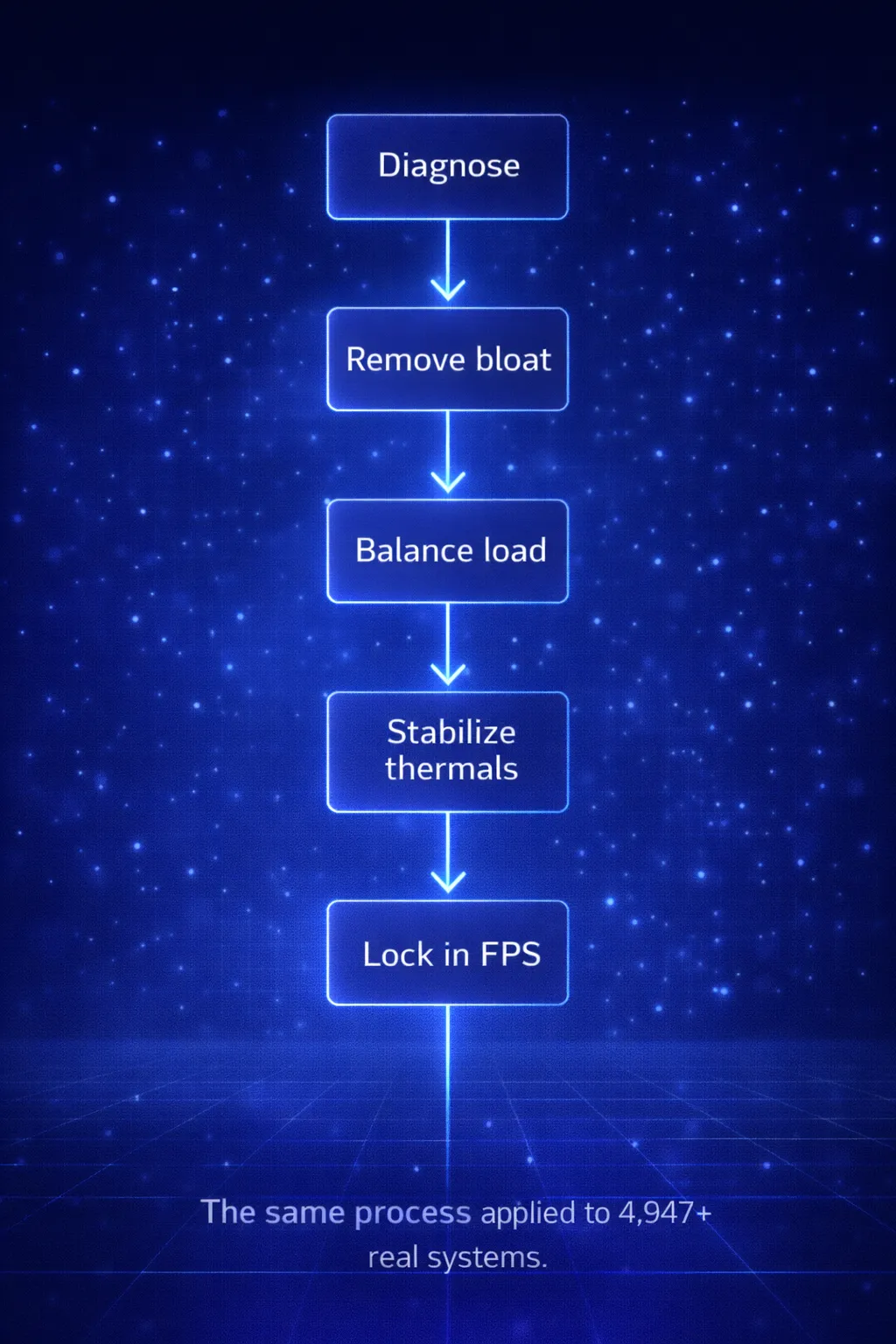
It's not luck..
Discover the exact process used to unlock hidden performance in 4,947+ gaming PCs
This isn't lab-tested theory. For over 15 years, we've personally used this system to optimize 4,947+ real-world gaming PCs:
• Frankenstein builds with mismatched RAM and random SSDs
• Overheating prebuilts with terrible cable management
• 7-year-old budget rigs that "shouldn't" run modern games
• Brand-new RTX 4090 builds bottlenecked by Windows bloat
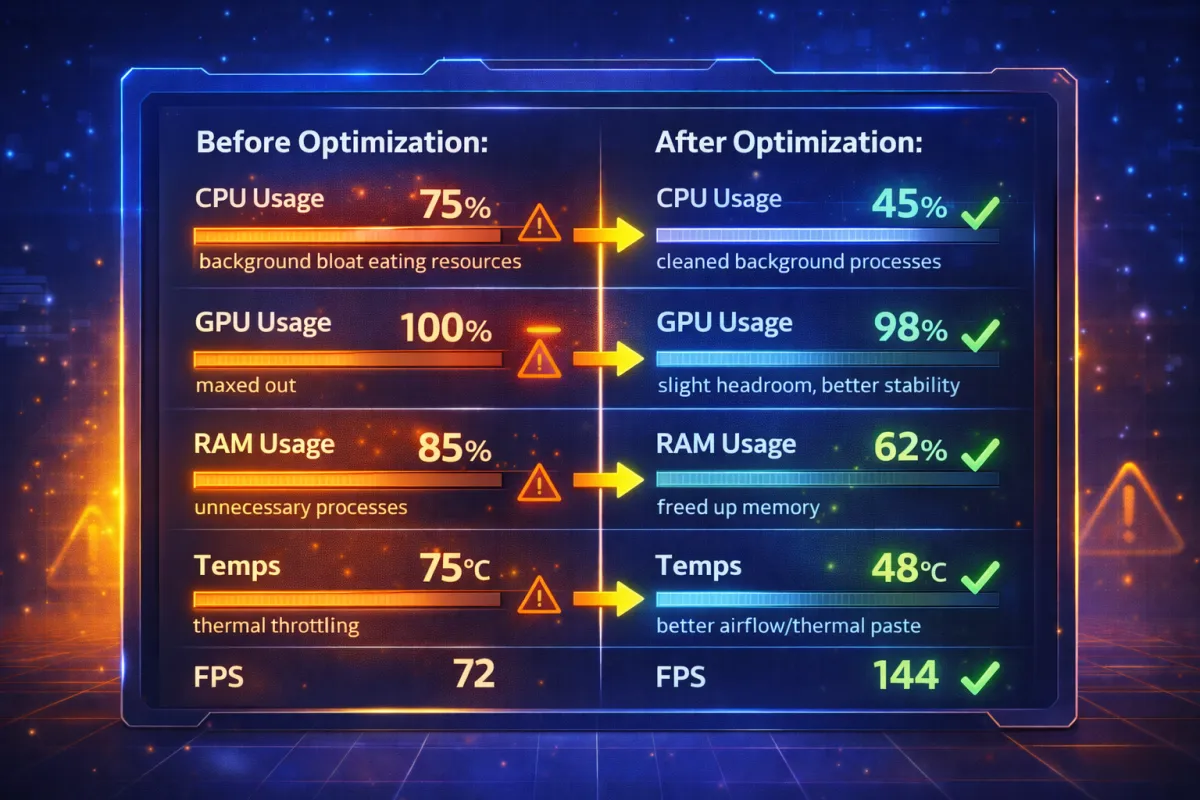
The average result? 32% FPS improvement without hardware changes.
Some systems gained 60+ FPS. Others finally hit their monitor's refresh rate for the first time.
This works because it's built for real PCs with real problems — not pristine benchmarking systems.
Everything Inside the Gaming PC Performance Blueprint:
Performance Audit Workbook (Value: $29)
Pinpoint your exact bottleneck in 15 minutes — CPU, GPU, RAM, storage, or settings — so you stop guessing and fix the real problem, not random YouTube suggestions
Interactive Performance Tracker (Value: $27)
Track FPS, GPU/CPU usage, and temps across all YOUR games with automatic bottleneck detection — so you have proof of what to upgrade (or what NOT to waste money on)
Three Complete PC Build Maps (Value: $47)
Pre-researched parts lists for $800 budget builds, $1,500 mid-range rigs, and $2,500+ high-end setups — with substitution options so you can adjust based on sales and local pricingPre‑Optimized Game Settings Pack (Value: $29)
Copy-paste optimized settings for Fortnite, Valorant, Warzone, CS2, Apex, Cyberpunk, and 10+ more games — each with 'Max FPS' and 'Balanced Visuals' profiles so you choose performance or beauty
Smart Upgrade Path Flowchart (Value: $19)
Interactive decision tree that analyzes YOUR benchmark data and tells you: 'Upgrade GPU first for +45 FPS' or 'Wait 6 months, current bottleneck is thermal throttling' — maximum FPS per dollar spent
Year‑Round Performance Maintenance Calendar (Value: $19)
Quarterly 15-minute maintenance tasks that prevent thermal paste degradation, clear driver bloat, and stop the gradual FPS decay most gamers don't even notice — plus emergency troubleshooting for sudden FPS drops
BONUS: Exclusive Tech & Gaming Info Channel (Value: $197/year)
Broadcast-only Discord channel with insider updates you won't find anywhere else: GPU price drops, new game optimization guides, component shortage alerts, and priority access to new build releases. Zero spam, zero chat clutter—just high-value info delivered straight to you
BONUS: Gaming Security & Performance Checklist (Value: $29)
32-point interactive checklist to protect your gaming accounts (Steam, Epic, Discord, Battle.net) and optimize system performance. Covers 2FA setup, password security, network hardening, and performance tweaks—plus phishing red flags guide so you never fall for account-stealing scams
BONUS: 15‑Minute Quick‑Win Checklist (Value: $9)
The 8 highest-impact tweaks you can apply in 15 minutes for instant FPS gains — perfect for getting quick wins before you dive into the full Blueprint (users report 10-20% FPS improvement from this alone)
Total Value: $386
Your Investment Today:
$47 one-time payment (yours forever)
That's less than a single 16GB RAM stick — but delivers more FPS than most $400 upgrades
MODULES
Inside the Blueprint
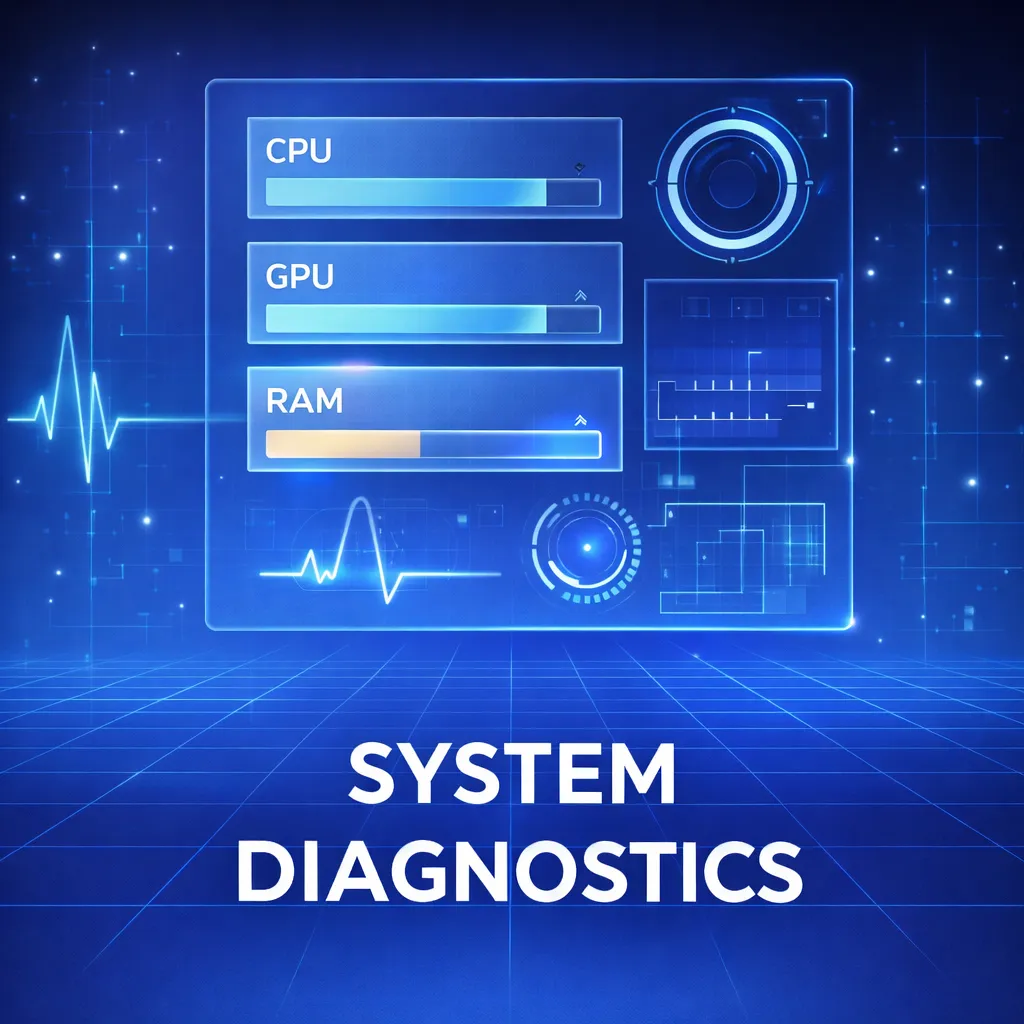
Module 1 – Performance Audit
Run diagnostic tests across YOUR games to pinpoint whether your CPU, GPU, RAM, or thermals are holding you back — with fill-in-the-blank worksheets so you don't need to interpret raw data
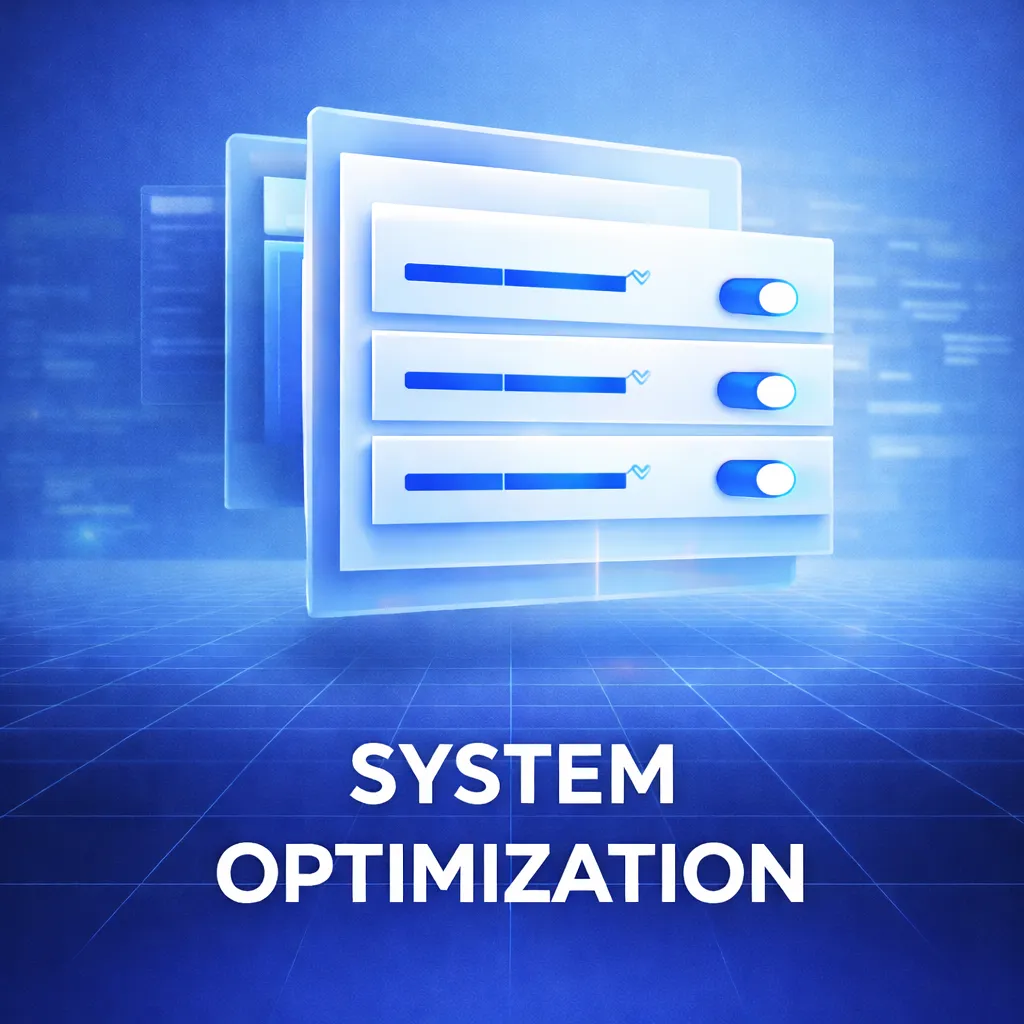
Module 2 – Windows & Drivers Optimization
Remove the 47 background processes killing your FPS, install drivers the RIGHT way (most people do this wrong), and disable Windows 'features' that secretly throttle gaming — reclaim 15-30% FPS without downloads.
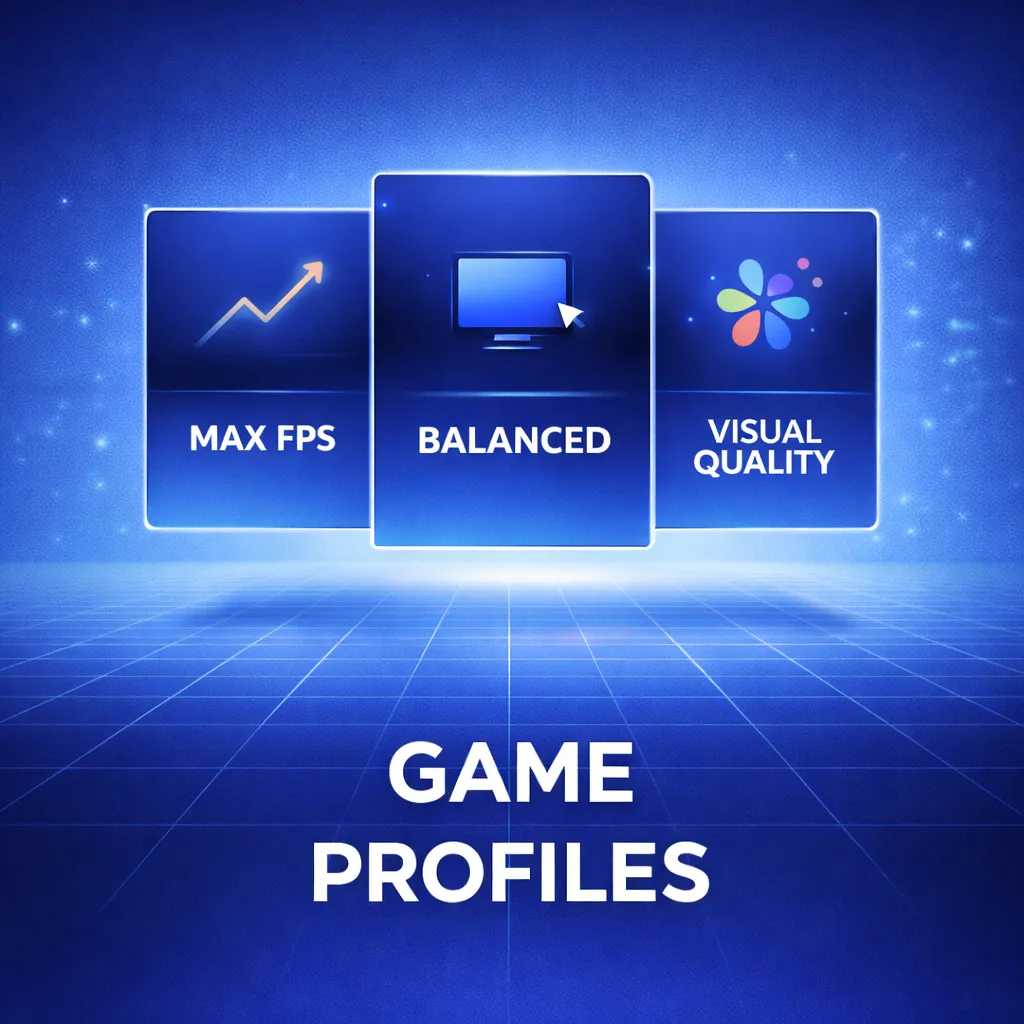
Module 3 – Game‑Specific Profiles
Copy-paste optimized settings for Valorant, Fortnite, Warzone, CS2, Apex Legends, Overwatch 2, and more — with 'Max FPS' and 'Balanced Quality' profiles so you prioritize competitive edge or visual fidelity

Module 4 – Thermals & Stability
Fix overheating issues causing thermal throttling (the silent FPS killer), optimize fan curves, and eliminate mid-match crashes
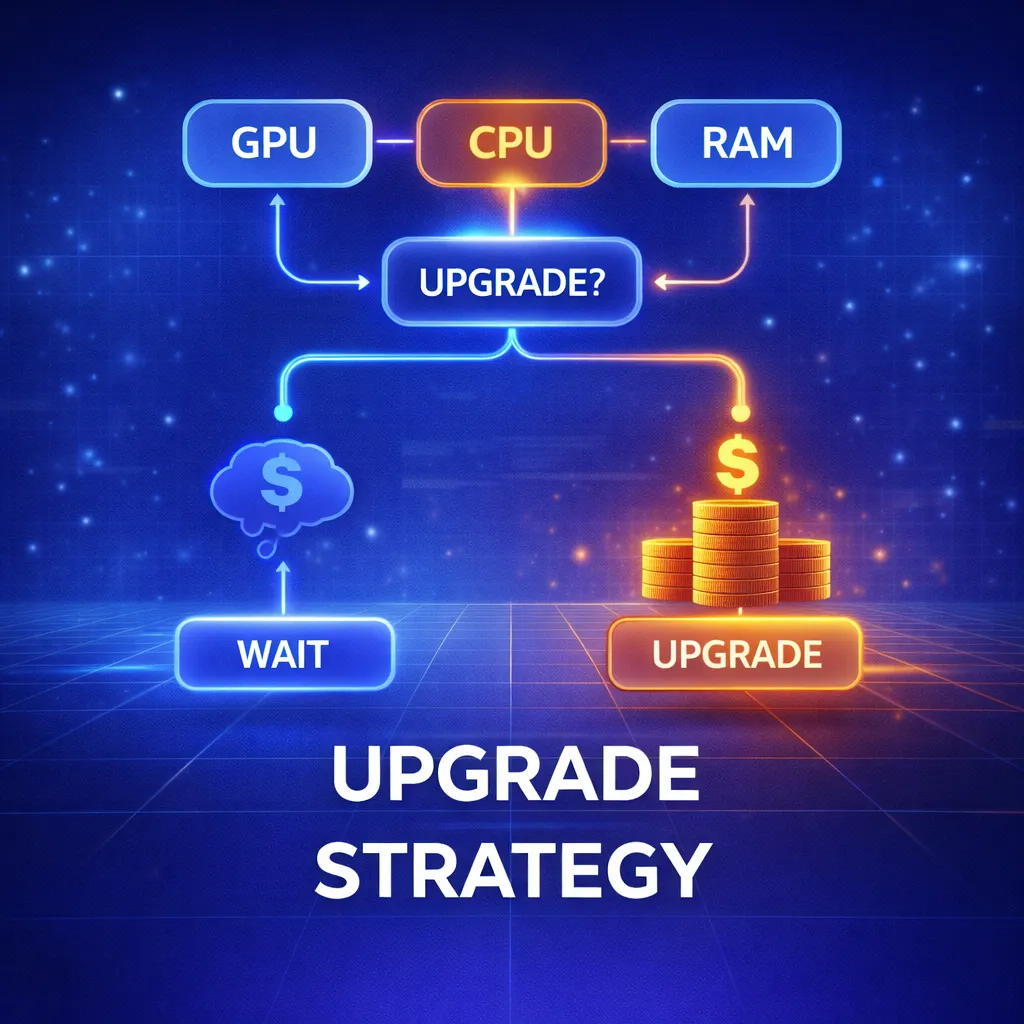
Module 5 – Smart Upgrade Planner
Use YOUR benchmark data to decide: Should I upgrade now or wait 6 months? GPU, CPU, RAM, or storage first? Which specific model fits my budget? — stop second-guessing and avoid $500 mistakes
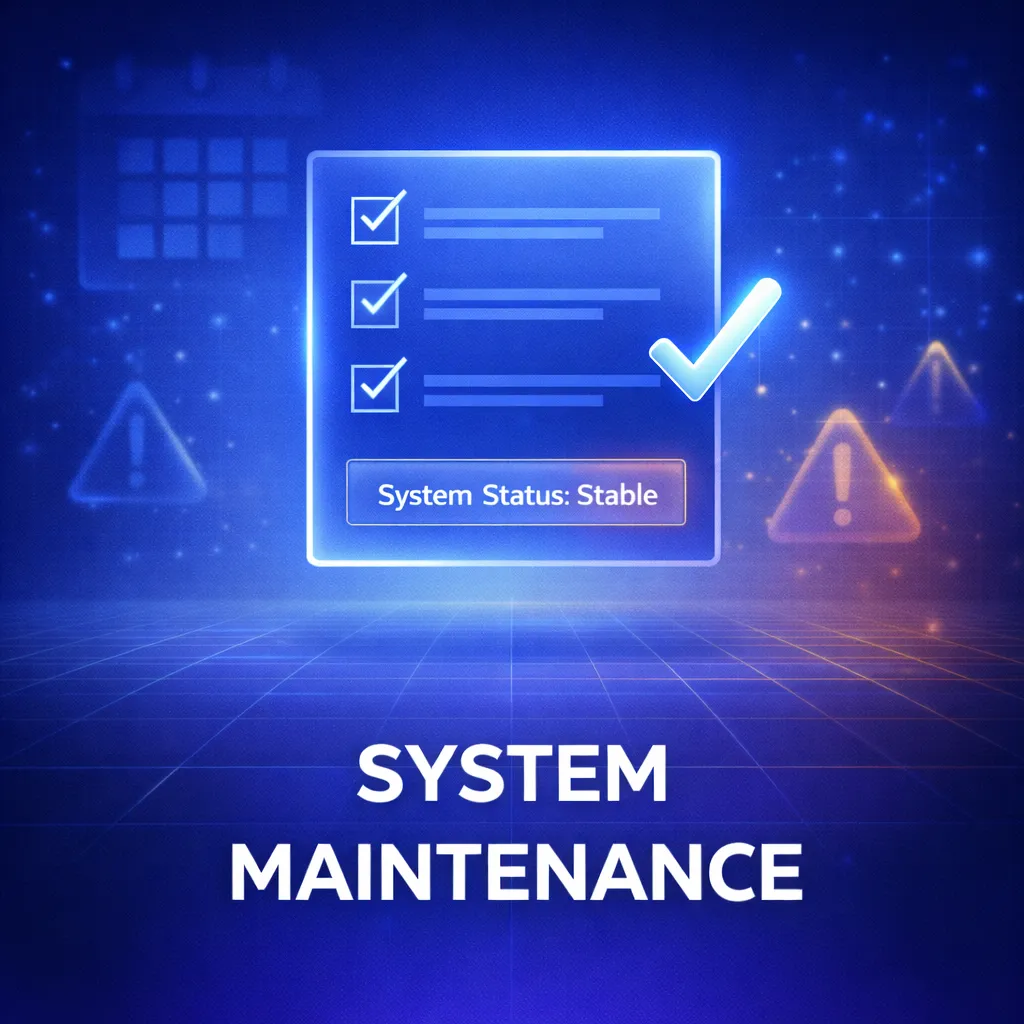
Module 6 – Maintenance & Troubleshooting
Follow the quarterly 15-minute maintenance routine that prevents driver conflicts and gradual FPS decay — plus emergency checklists for sudden crashes and FPS drops
TESTIMONIALS
Here's What Our Customer's Are Saying:

"I was literally about to order a $600 RTX 5070 because I couldn't hit 144 FPS in Warzone. After following the Blueprint, I'm now locked at 144 FPS on my 5-year-old rig with a 3060. Saved me $600 and weeks of research."
- Ivan K., Warzone Player
"I'm not technical at all — I barely know what RAM does. But the screenshots and step-by-step explanations made it feel like following a video game walkthrough. Got everything done in one evening and gained 25 FPS in Apex."
– Andrew M., Apex Legends Player
"The upgrade planner literally saved me $500. I was about to buy a new GPU, but the audit showed my bottleneck was actually RAM and a dying HDD. A $180 upgrade plus the optimization settings and my rig feels brand new."
– James T., Multi-Game Player
Get Instant Access to Everything for Just $47
Complete Gaming PC Performance Blueprint + game-specific profiles + upgrade roadmaps + Discord updates access + 30-day money-back guarantee. One-time payment, yours forever.
ABOUT US
Meet Overclock University
Hey, We're Overclock University and we've spent the last 5+ years deep in the trenches of PC gaming optimization.
We've built everything from $500 budget rigs that surprised their owners to $4,000 streaming monsters. We've diagnosed why a $2,500 4090 build was getting beaten by a 5-year-old 3070. We've helped hundreds of gamers realize their 'broken computer' was actually just Windows background bloat.
Here's what we learned after 4,947+ builds:
Most gamers are sitting on 20-40% more FPS that's being wasted by:
• Windows bloatware running in the background
• Incorrect driver installations
• Game settings copied from the wrong GPU tier
• Thermal throttling from $2 of dried thermal paste
The hardware isn't the problem. The optimization is.
That's why we created the Gaming PC Performance Blueprint:
It's the exact system we use personally to optimize every build — distilled into a step-by-step process that takes 2 hours instead of 2 years of trial and error.
No theory. No fluff. Just the real-world fixes that work on messy, real gaming PCs.

15+ combined years of hands-on PC building and optimization
Optimized 4,947+ gaming PCs across all budgets and game types
Helped gamers achieve 20-40% FPS gains in Valorant, Warzone, Apex, Fortnite, and more
STILL NOT SURE?
30‑Day “No‑Risk” Guarantee
Use the entire Blueprint for 30 days.
Run the diagnostics. Apply the optimizations. Follow the upgrade path.
If you don't see measurable improvements in FPS, smoother gameplay, or better thermals — or if you simply don't love it — just email me for a full refund.
No questions asked.
No hoops to jump through.
No risk whatsoever.
I only win if this actually transforms your gaming experience.

STILL GOT QUESTIONS?
Frequently Asked Questions
"Why not just Google this stuff for free?"
You absolutely could. But here's what that looks like:
• 40+ hours watching contradictory YouTube videos
• Testing random settings that may or may not apply to YOUR GPU
• Risking bricking your PC from bad BIOS advice
• STILL not knowing if you picked the right upgrade
Or... follow a proven system that's already helped 4,947+ gamers get 20-40% more FPS in under 2 hours.
If your time is worth more than $2/hour, this is a no-brainer.
"Will this work for MY PC?"
Yes. This system works on:
• Budget builds from 2018-2025
• Mid-range gaming rigs
• High-end RTX 5090 systems
• Gaming laptops (with some limitations on hardware upgrades)
• Prebuilts from Dell, HP, CyberPowerPC, etc.
• Custom builds
If it runs Windows 10 or 11 and plays games, this will help you optimize it.
The only exception: Mac systems (sorry!).
"What if I'm not tech-savvy?"
Perfect — that's exactly who this is for.
Every single step includes:
• Screenshots showing exactly what to click
• Plain English explanations (no jargon)
• Copy-paste settings (no guessing)
If you can install a game, you can follow this Blueprint.
Plus, if you get stuck, we're always active in the Discord community to help troubleshoot.
"I already have decent FPS. Is this still worth it?"
Probably yes. Most gamers with "decent" FPS are still leaving 15-30% performance on the table.
Even if you're hitting 120 FPS, you might be able to:
• Get to 144+ and finally max out your monitor
• Maintain high FPS during intense fights (no drops)
• Lower temps and fan noise
• Know exactly which upgrade to prioritize next
The upgrade planner alone could save you $300-500 on your next purchase.
"What games does this work for?"
The optimizations work for ALL PC games, but we include specific profiles for:
Valorant, Fortnite, Warzone, CS2, Arc Raiders, and more!
Even if your game isn't listed, you'll learn the principles to optimize any title.
"Do I need to upgrade my PC for this to work?"
Nope. The entire first half of the Blueprint is optimization — no hardware required.
Most users see 20-40% FPS improvement just from:
• Windows tweaks
• Driver optimization
• Game settings
• Thermal fixes
The upgrade section helps you spend smarter IF you decide to upgrade later.
“How fast do I get access?”
You get instant digital delivery after checkout. You can start optimizing within the next 5 minutes!
LAST CHANCE
Don't Let Another Gaming Session Go By at 70 FPS When You Could Be at 144
Join 4,947+ gamers who stopped guessing and started optimizing. Get instant access to the complete system for just $47 — that's less than you'd spend on a single upgrade that might not even help.
Your Price Today: $47
Unlock instant, lifetime access to the entire Gaming PC Performance Blueprint.
Copyrights 2026| Overclock University | Terms & Conditions